FabuLingua
Teacher activation, 2026
- My role
- Project leadThe diagnostic, the rebuild and the releases
- When
- May to November 2026Live on 3 August, releases from 18 September
- Built with
- React, TypeScript and agentsUntitled UI on React Aria, Firebase, PostHog and Clever
Teachers kept signing up for FabuLingua, but only 6.7% got a class playing.
FabuLingua teaches children Spanish through illustrated story games, with a deep library and more than one way for a teacher to run a class. Teachers found it on their own, then left before a story played: the dashboard asked too much of them, measured almost nothing they did, and was slow to change. The work was to find where they stopped, rebuild the dashboard so it could change quickly, and ship the releases that got more classes playing.
Read the full case
- The task
- Change the product so more new teachers reach a class that plays, with the dashboard measured well enough to tell.
- The scope
- The diagnostic of the old dashboard and its funnel, a rebuild of the teacher dashboard in React, and the releases after it: onboarding, classes and the roster, the class home, the trial and teacher campaigns.
- On screen
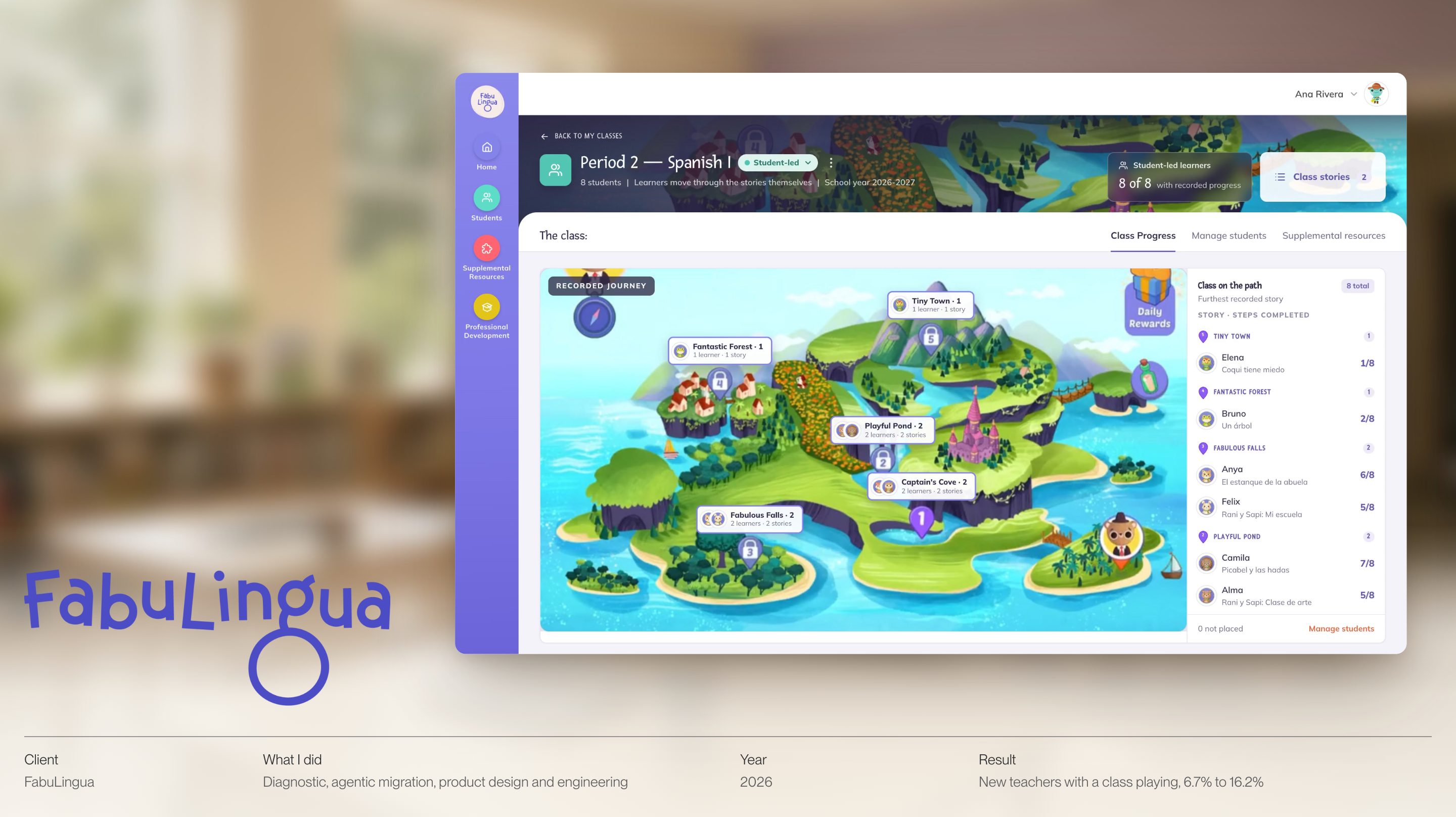
- The product’s own screens, running from its real components on invented teachers and students. No real teacher, school or class is shown, and no price.
The result, in short
New teachers with a class playing
16.2%2.4×
from 6.7% in May
From 17 August to 18 October on the new dashboard: 42 of 259 new teachers, against 227 of 3,368 in May on the old one.
Students rostered
64.9%2×
from 32.3%
New teachers with students on a class, over the same windows
Rebuilt in
24 days
The old dashboard in React, all 432 of its behaviours checked by agents
Shipped
5 releases
In five weeks, 18 September to 20 October, and a sixth about to ship
Children playing
179
In 42 classrooms, read on 19 October
Two blockers, then the releases.
- Where teachers stoppedStep 1
- A stack built to changeStep 2
- OnboardingStep 3
- Classes and rosterStep 4
- The class homeStep 5
- The trialStep 6
- Teacher campaignsStep 7
- The resultStep 8
Blocker 1
Onboarding one teacher took 173 actions, and analytics could see only 18.
No one could see where new teachers stopped. Every action from sign-up to a class playing was mapped against FabuLingua’s own event export, and nearly all the loss sat at three cliffs.
- 1 of 4
Getting one teacher onboarded took 173 actions
Every square is one thing a new teacher had to do between signing up and her class playing: a field, a button, a dialog or a page, on the 18 screens where she met them.
- 2 of 4
Analytics saw 18 of them
Only 18 of the 173 told analytics they had happened. The other 155 left no trace, so when a teacher stopped on her way in, no one could see where, or why.
- 3 of 4
Three cliffs held almost all the loss
Playing a first story, getting students in, and reaching the trial. 131 of the actions stood in front of them, and 117 of those were unseen. The barrier was the way there, and how unclear it was.
- 4 of 4
So the first moves were three
Make each action clear, one obvious next step on every screen. Decide the defaults for her: the 49 setup actions, in yellow, are the ones a default can settle. Ask for less between her and a class playing.
Every action it took to get a teacher onboarded, screen by screen, in the order she met them
The analysis
The analysis turned 277 findings into eight recommendations, four of them built.
Each finding is one fact from FabuLingua’s own data, interviews or a walk through the product, most with its number. Insights gathered them, themes grouped the insights, and each recommendation stands on the findings under it.
- 277findings172 with a number
- 36insightsciting 89 findings
- 6themes
- 8recommendations
- 4builtin the releases
Blocker 2
The dashboard’s legacy framework resisted change, so it was rebuilt on a modern stack.
It was a Blazor WebAssembly app on MudBlazor that few developers could change safely, and testing was manual, on a co-founder’s plate. It was rebuilt in 24 days in React and TypeScript on Untitled UI’s component library, with agents checking all 432 of the old app’s behaviours.
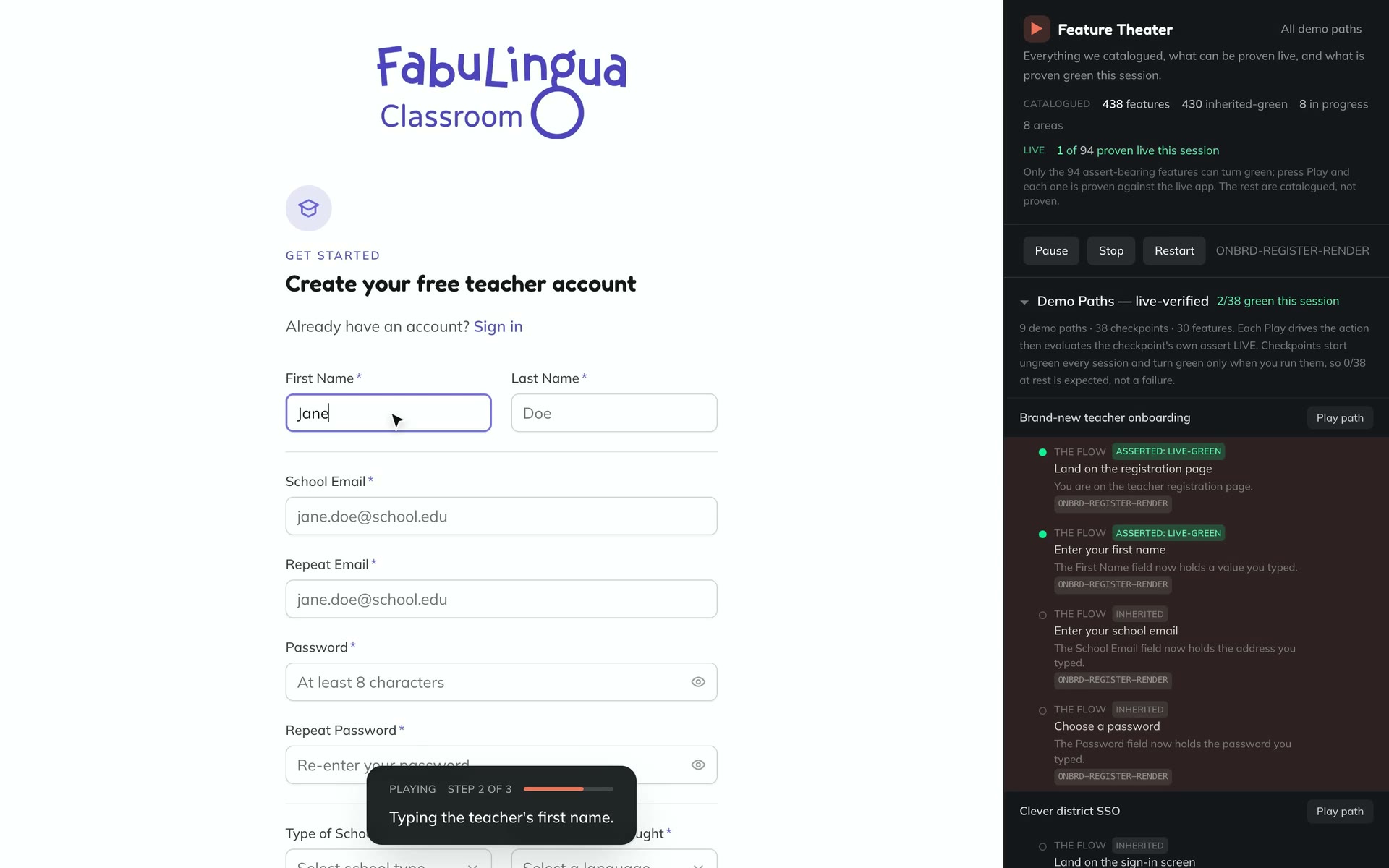
Also
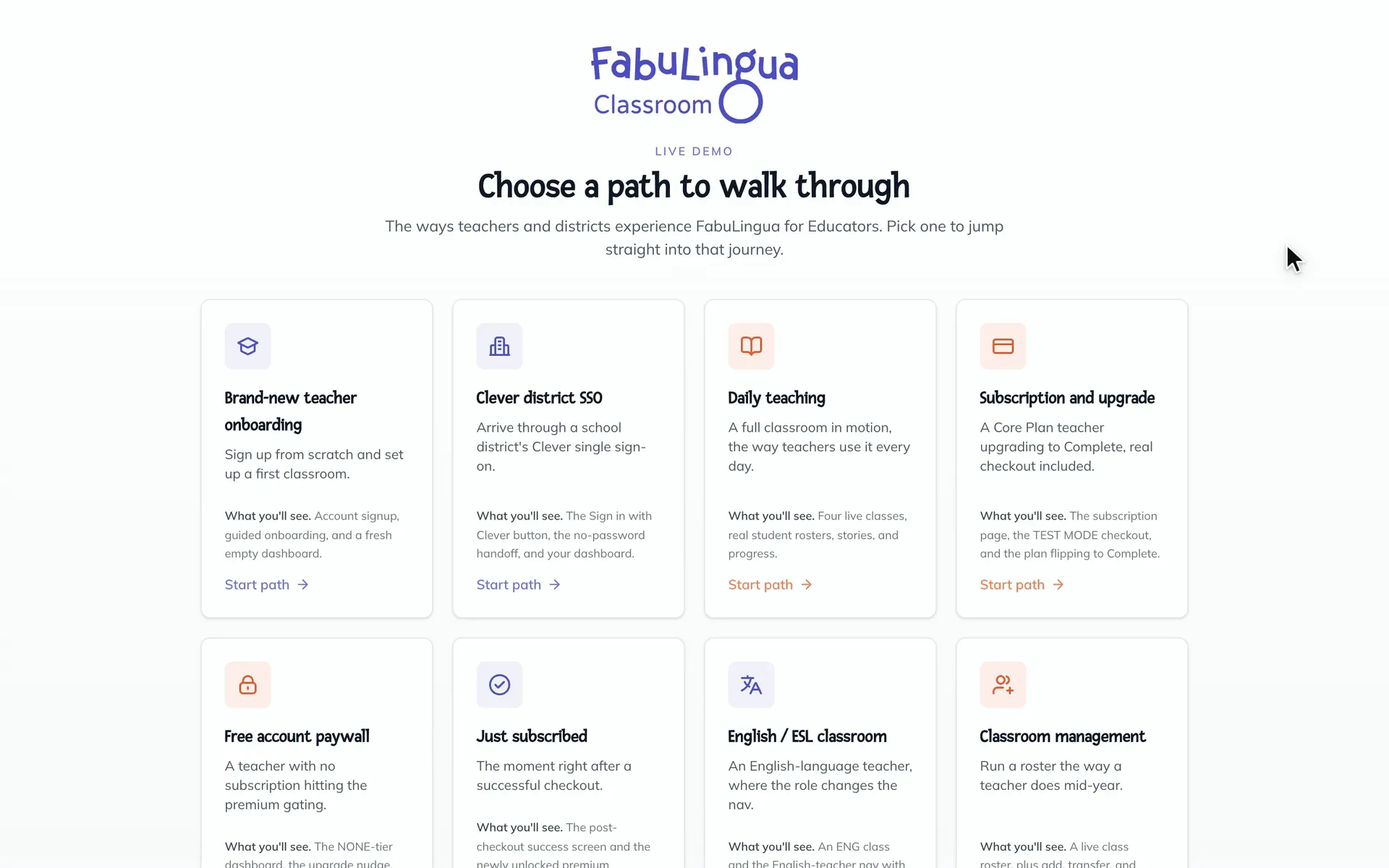
The releases
Five major releases shipped in five weeks.
From 18 September to 20 October, about 60 changes to what a new teacher meets, each aimed at a step where teachers were lost. The next is about to ship.
Release 01
Teachers now get onboarded with one question instead of two long forms.
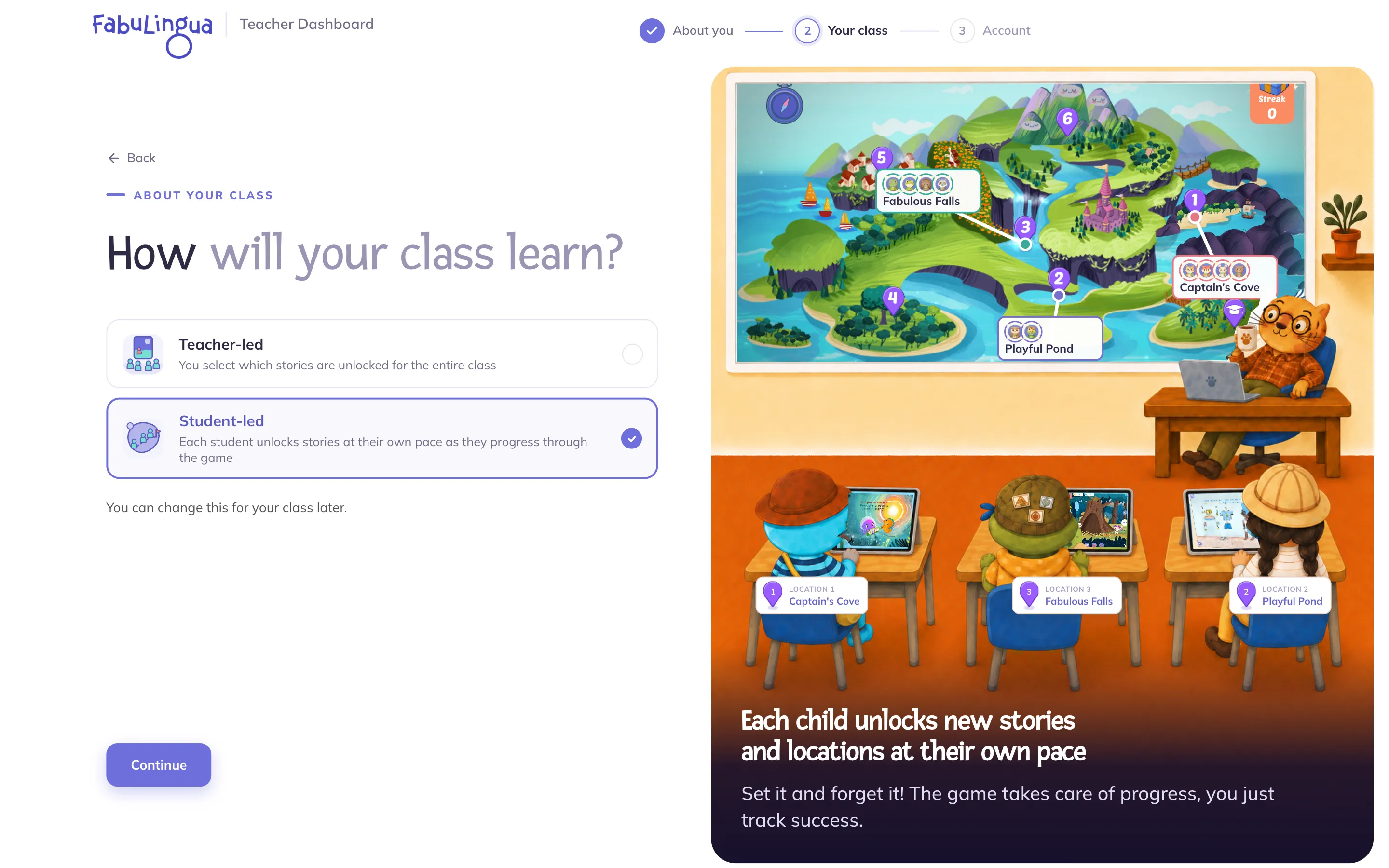
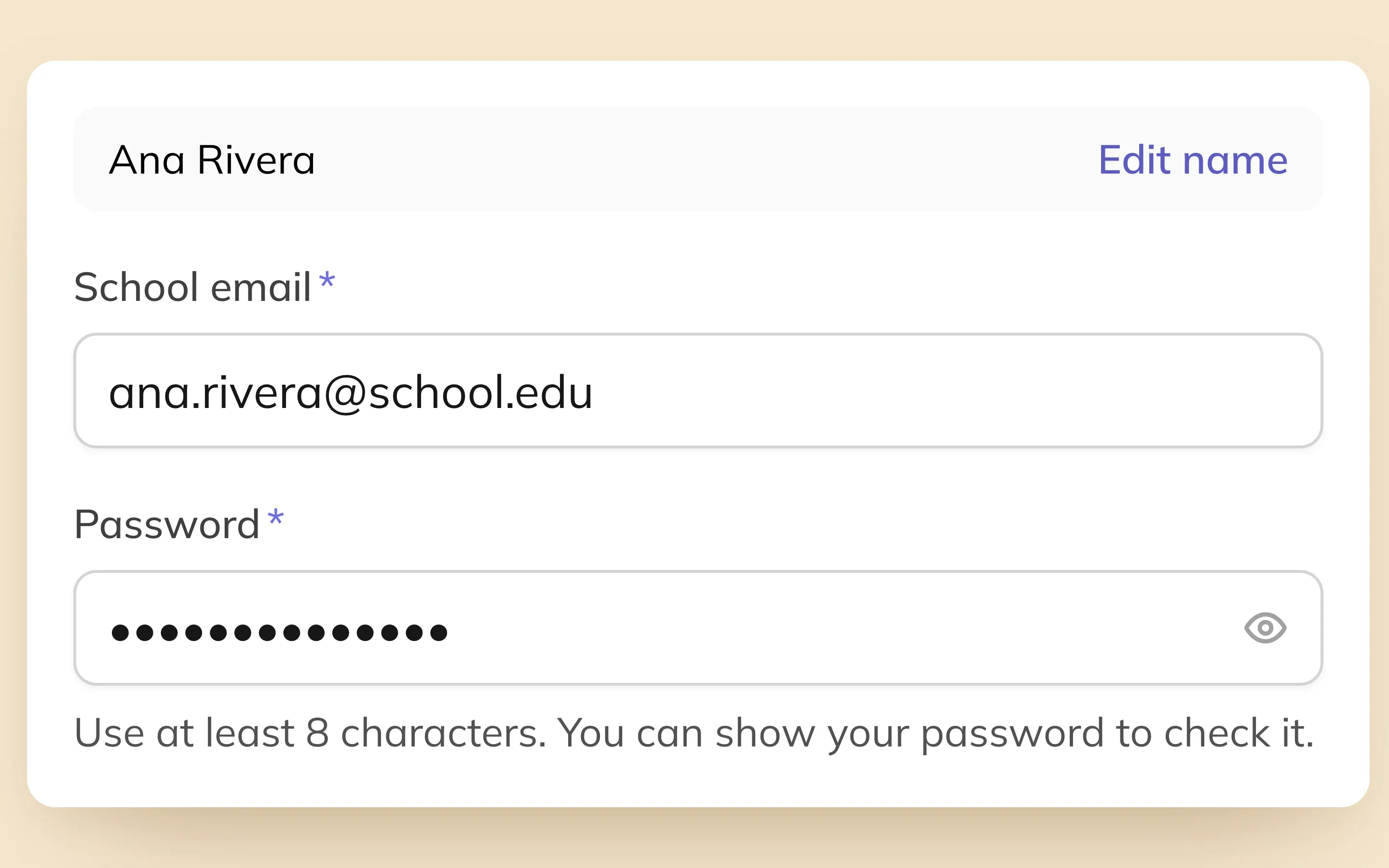
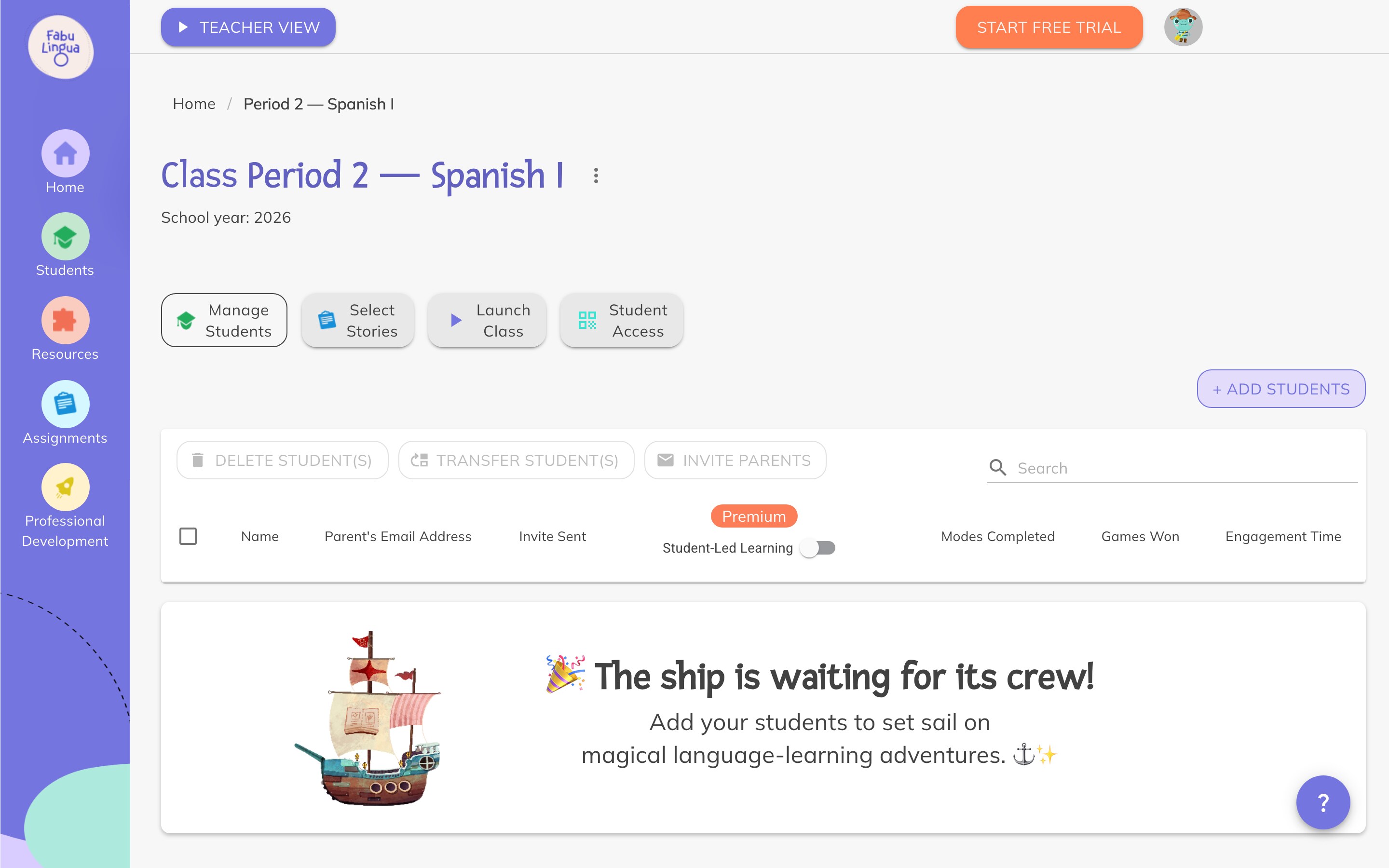
She types her name once, answers how her class will learn, and lands in her first class with every student set up for it and a 30-day trial already running.
- KR1A new teacher reaches a class in one or two steps
- KR2Her students get in and play
- KR3The trial turns into paid or funded use
The logicTwo long forms and a checkout stood between signing up and a first class. Cutting them to her name, one question and one account gets her to a class she can picture, with the trial already running.
Ask for less before a class existsKR1
- Her name, typed once, carried into the account
- School details moved to settings, and optional
- Clever teachers skip the email and password form
Let her picture the class firstKR1
- One question: Teacher-led or Student-ledA classroom scene beside it answers each choice
- Clever teachers see their classes and roster
- A new class can choose its own way
Land her in a class ready to playKR2
- Her answer reaches every class and student made in setup
- An empty class says Add students, with the button
Start the trial without a checkoutKR3
- A 30-day trial starts when onboarding is doneNo card needed
- No second trial at checkout once she has had one
Release 02
Making a class takes one paste, and Clever teachers bring only their own.
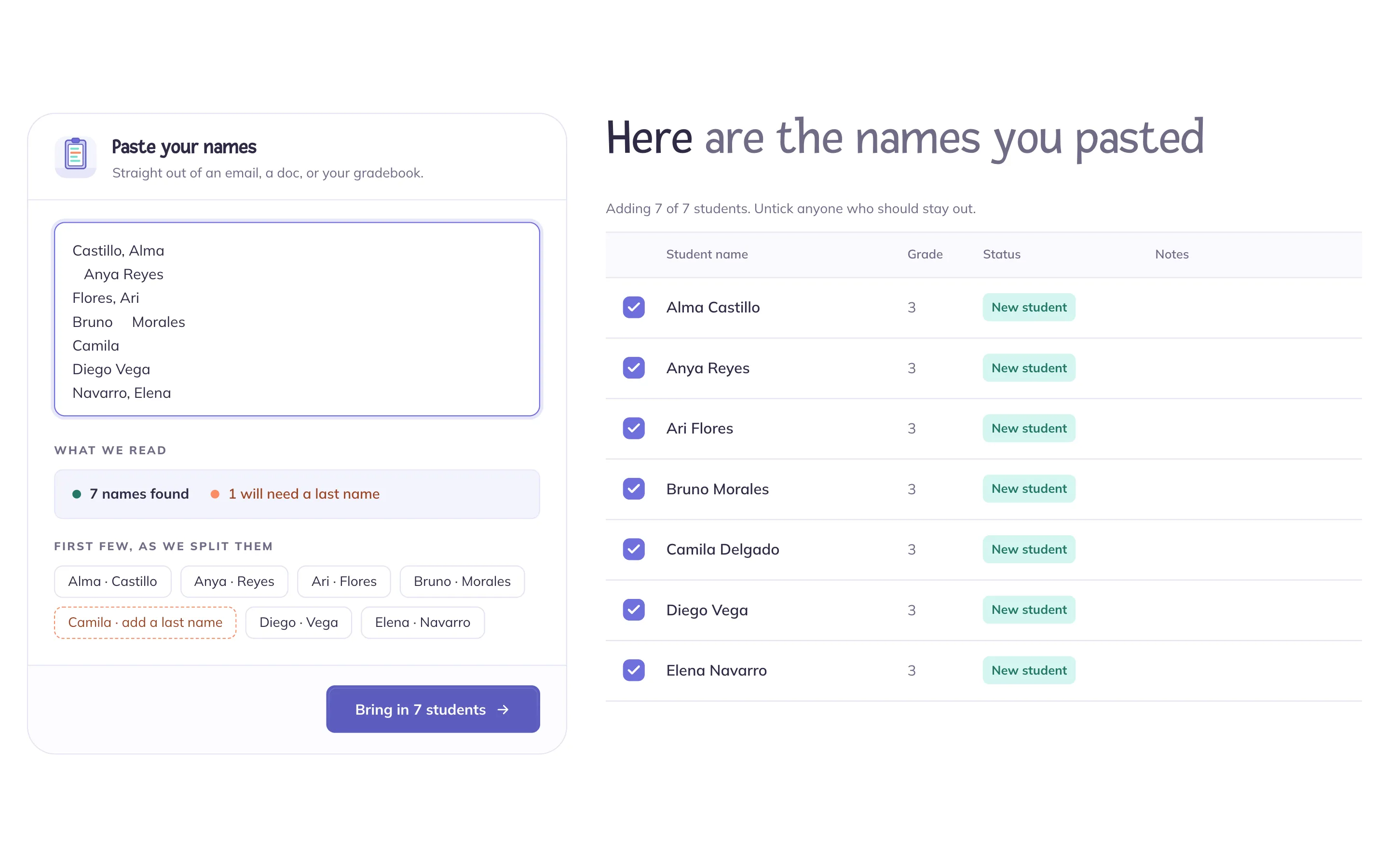
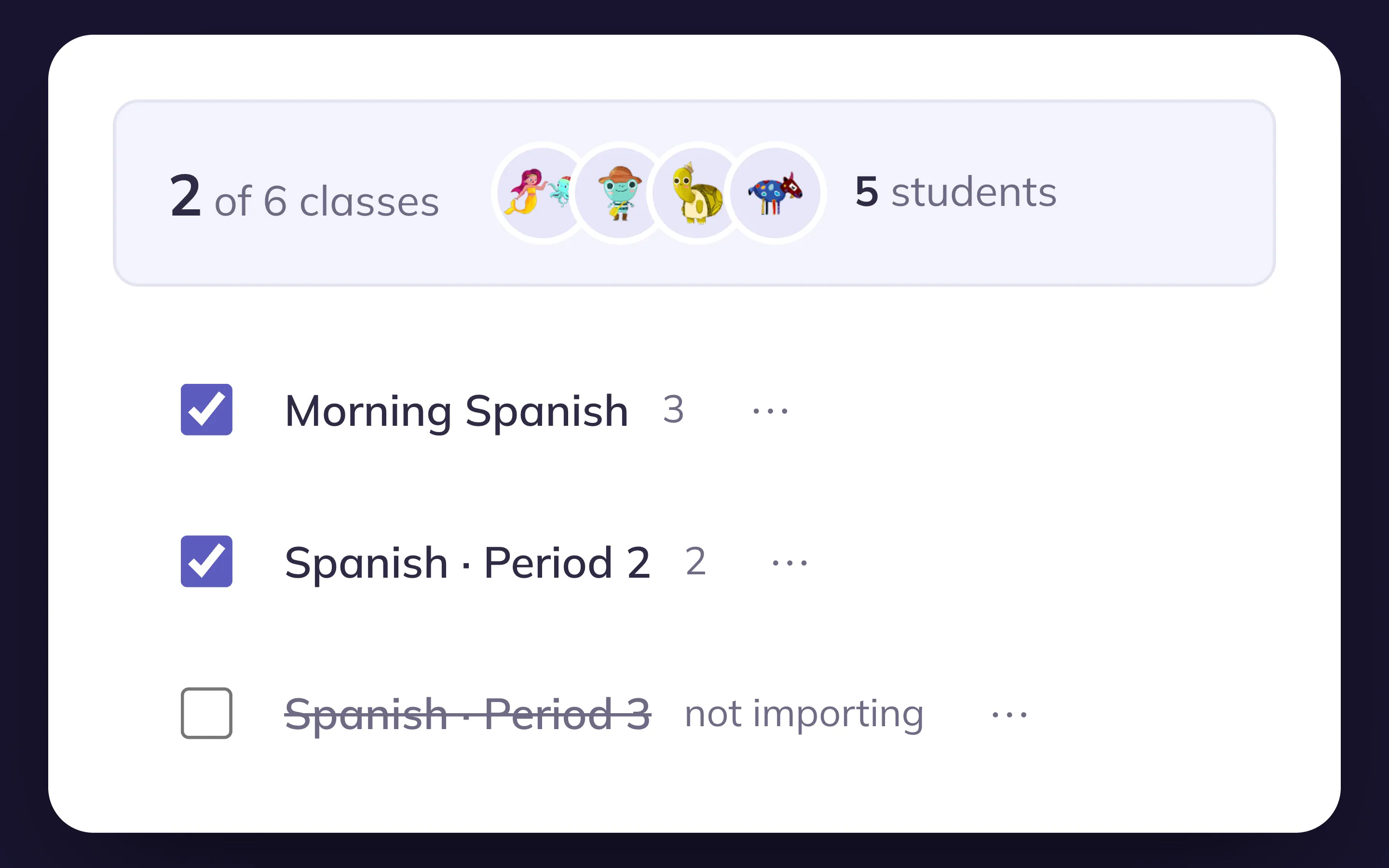
Making a class was where direct sign-ups stalled, and Clever gave its teachers a class for every section. Now a pasted list becomes a roster, and a Clever teacher brings only the classes she teaches.
- Direct teachers with a class
- 76%since Release 01, from 63.5% in May
- Clever teachers with a class
- 67%since Release 01, from 46% in May
- Classes a Clever teacher brings
- 1the median since 24 September, from 6
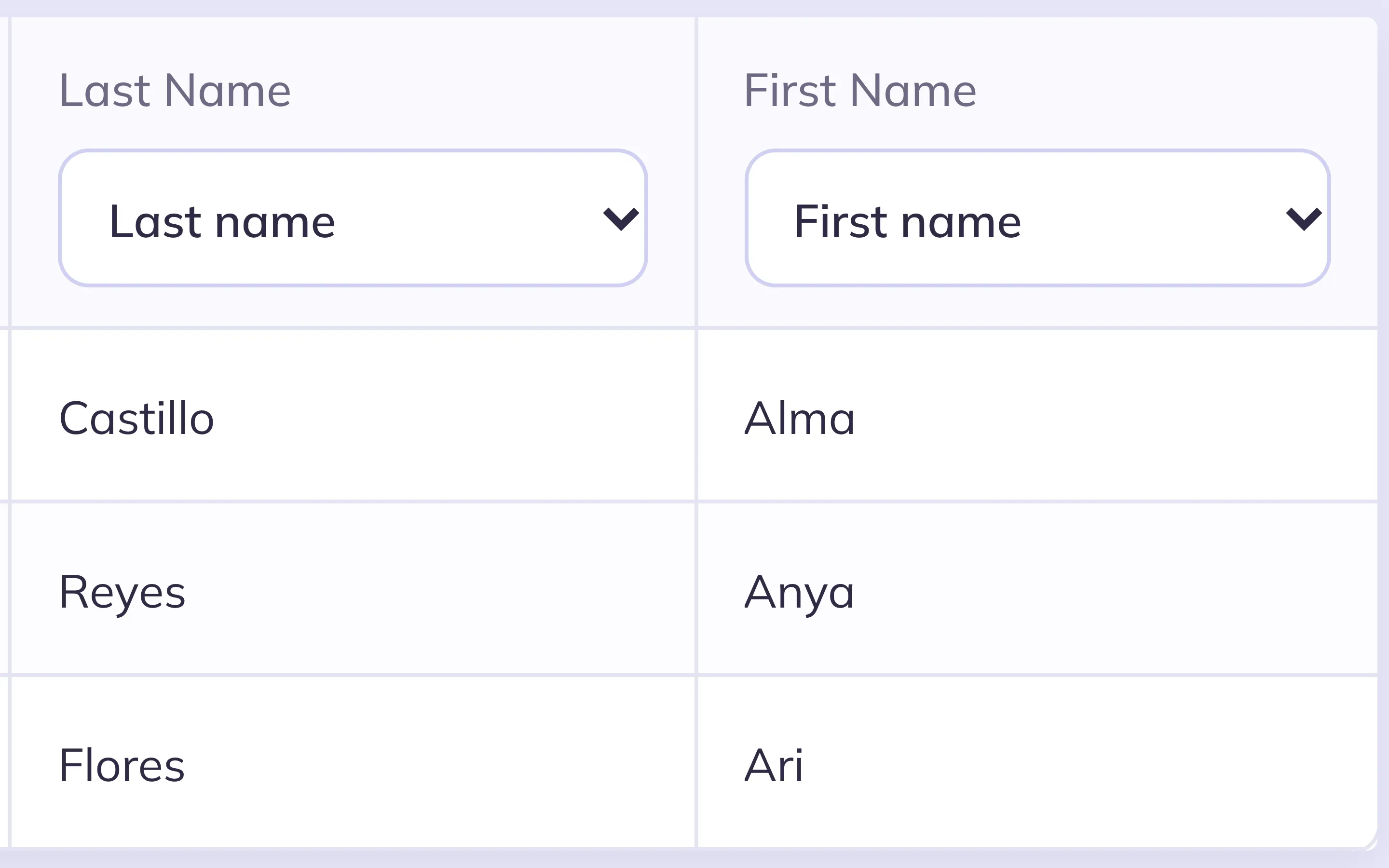
- KR1A new teacher reaches a class in one or two steps
- KR2Her students get in and play
- KR4The team can see where each teacher stands
The logicMaking a class was where direct sign-ups stalled, and Clever handed teachers a class for every section. One paste, and choosing only her own sections, get her to a real class that plays.
Making a class was where sign-ups stalledKR1
- A pasted class list becomes a checked roster
- Spreadsheets import with their columns matched
- Several classes reviewed in tabs, saved together
- Add Class opens the same flow, every time
Clever made a class for every sectionKR2
- Clever teachers pick only the sections they teach
- Students left out can be added later
- Clever and email sign-in open one account71 duplicate teachers merged
Let the team see what a teacher seesKR4
- A teacher directory for admins, with search
- Admins can open a teacher’s dashboard as herThe session says so and ends within an hour
Releases 03 and 03.1
Getting a class going was a cliff, so each class now has one home.
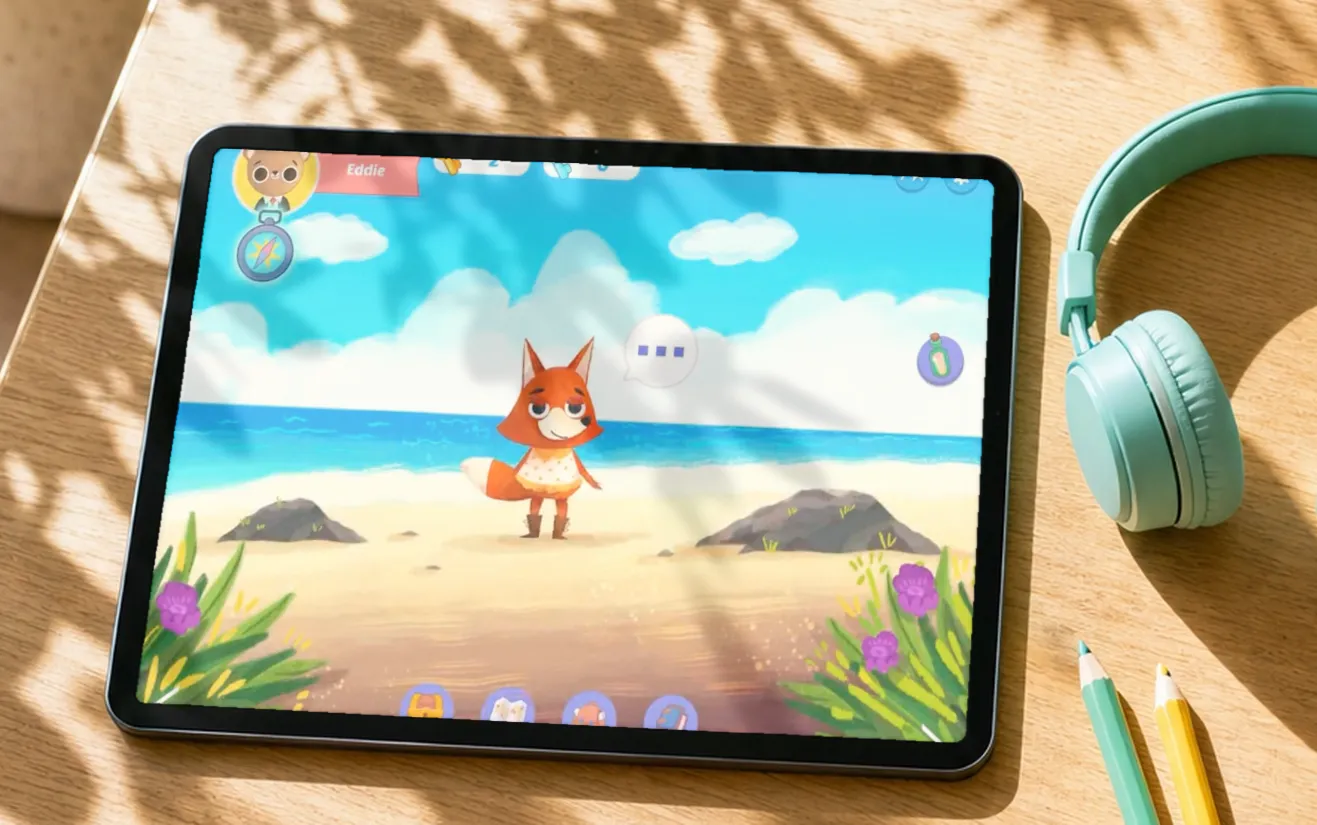
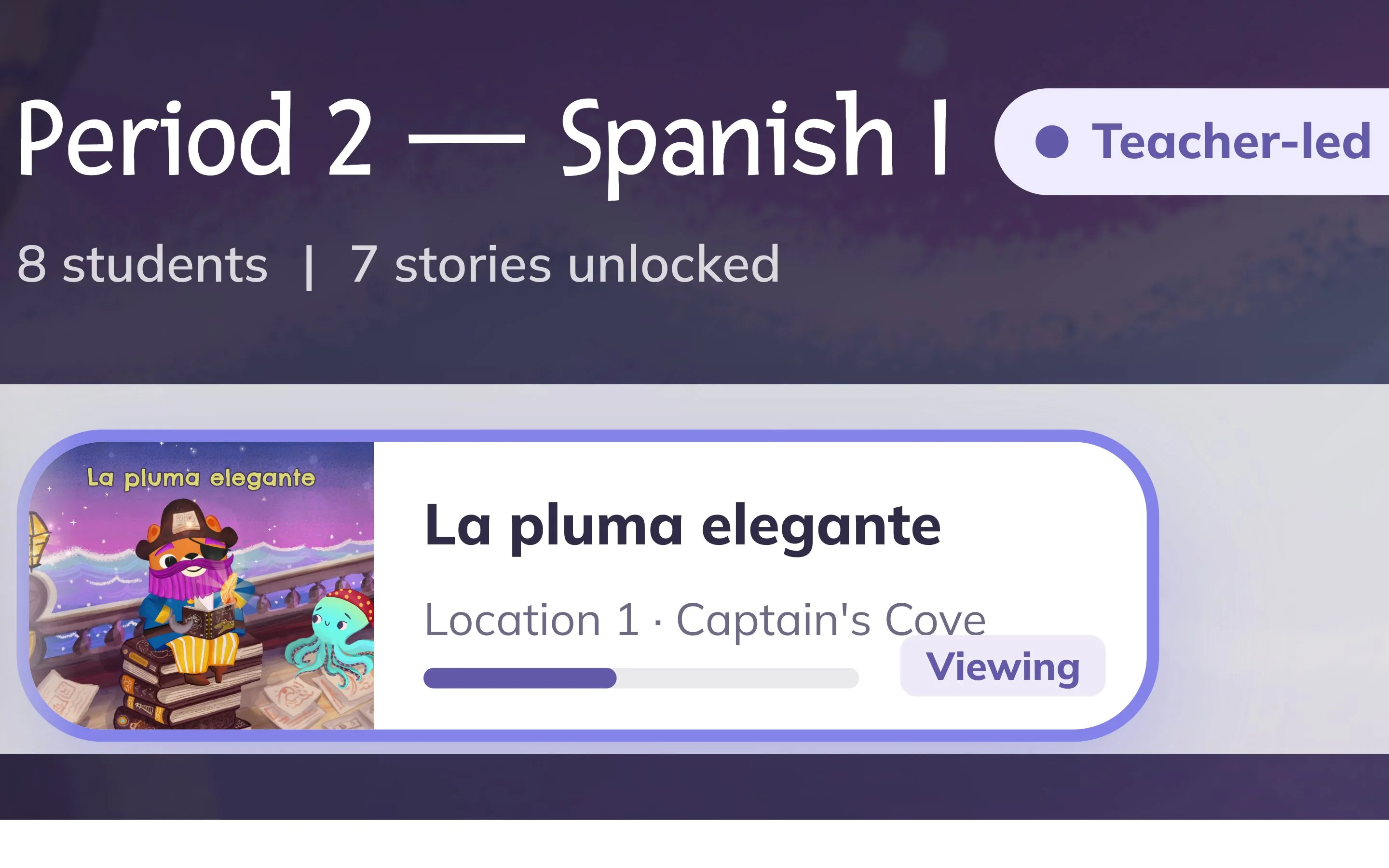
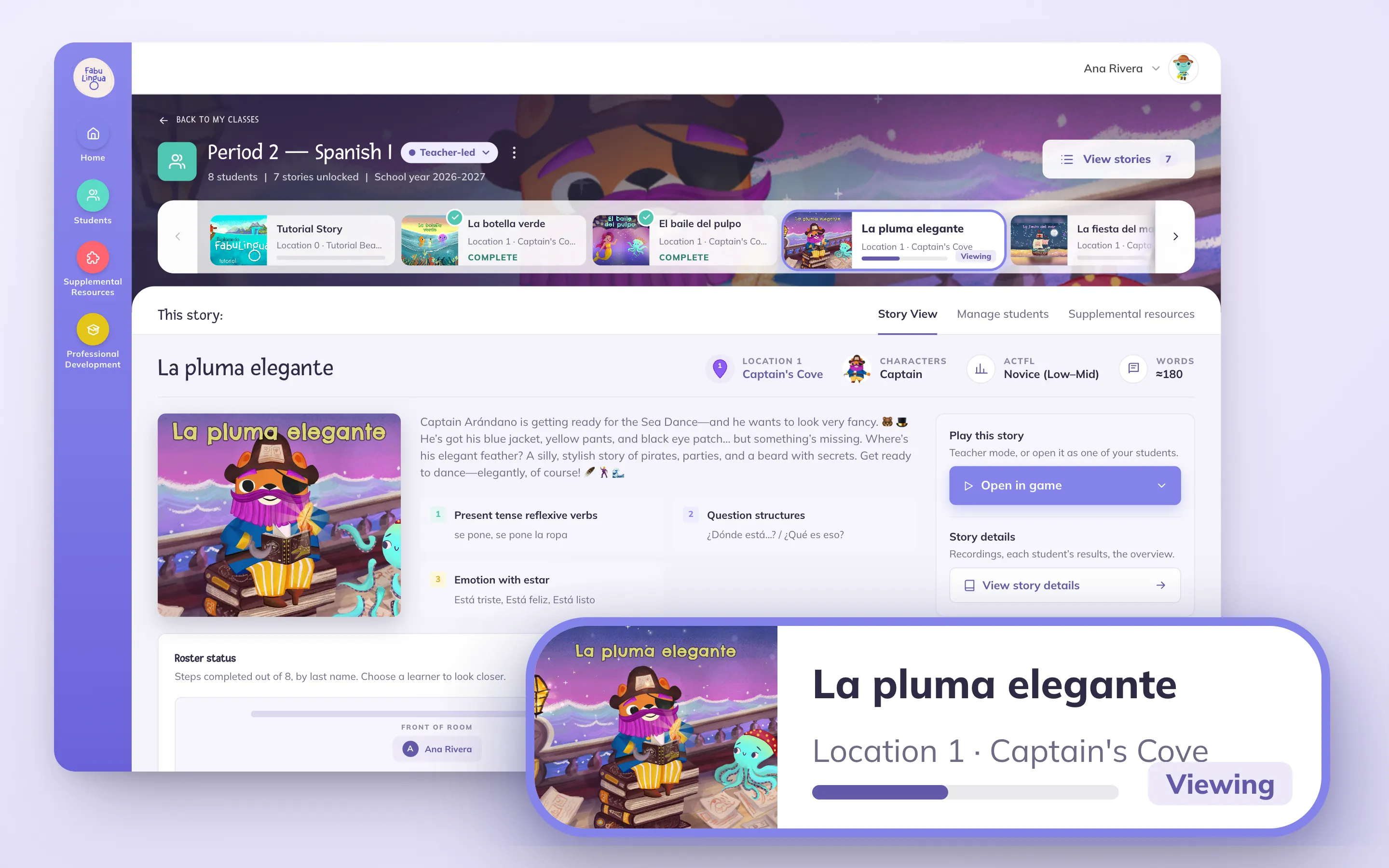
FabuLingua lets a teacher lead the class through a story together, or let each child go at their own pace. But a class lived in four overlapping tabs, and teachers could not tell which way to run it or what to do next. Now one home shows how the class learns and who is where.
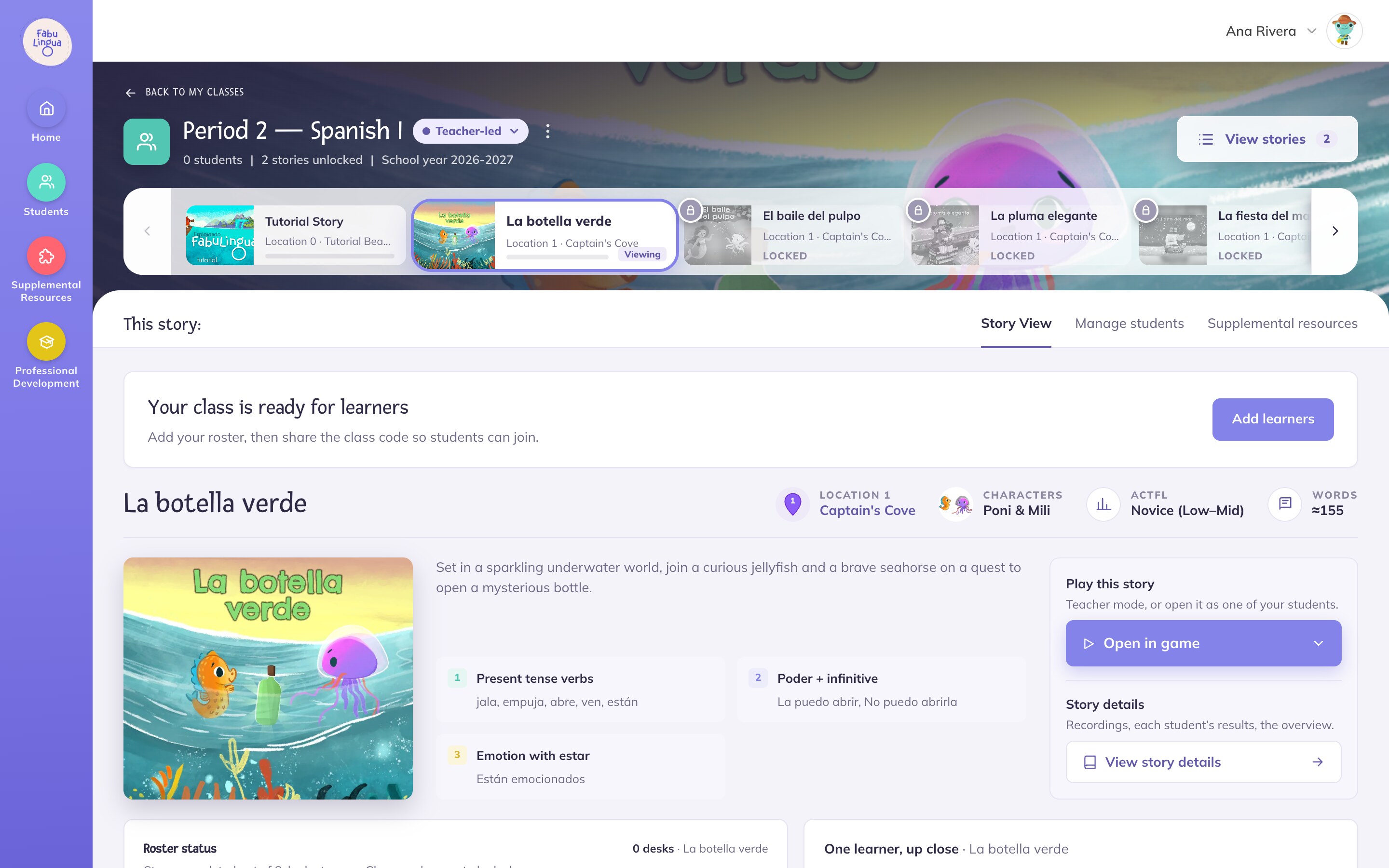
Two ways to run a class
The stories
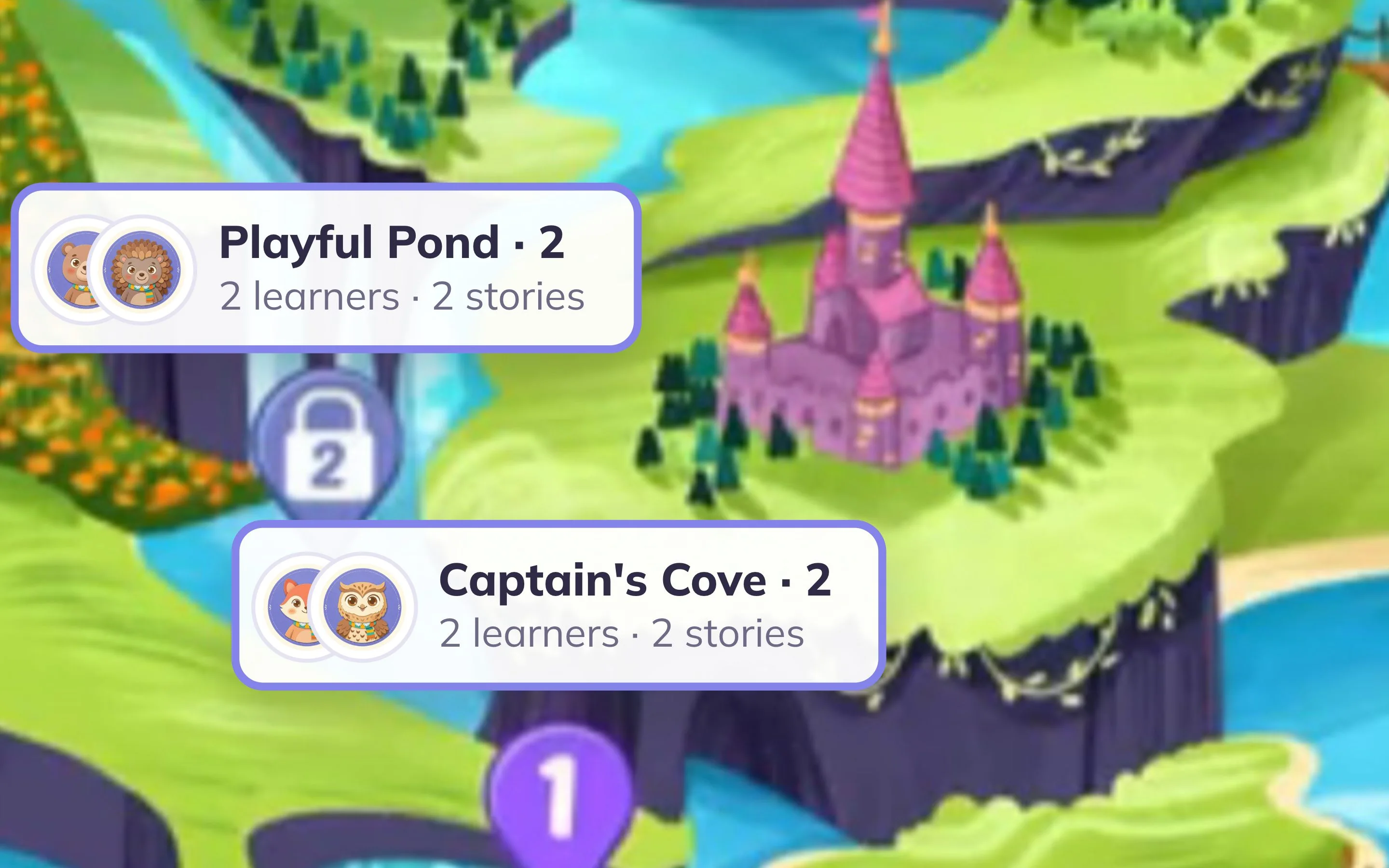
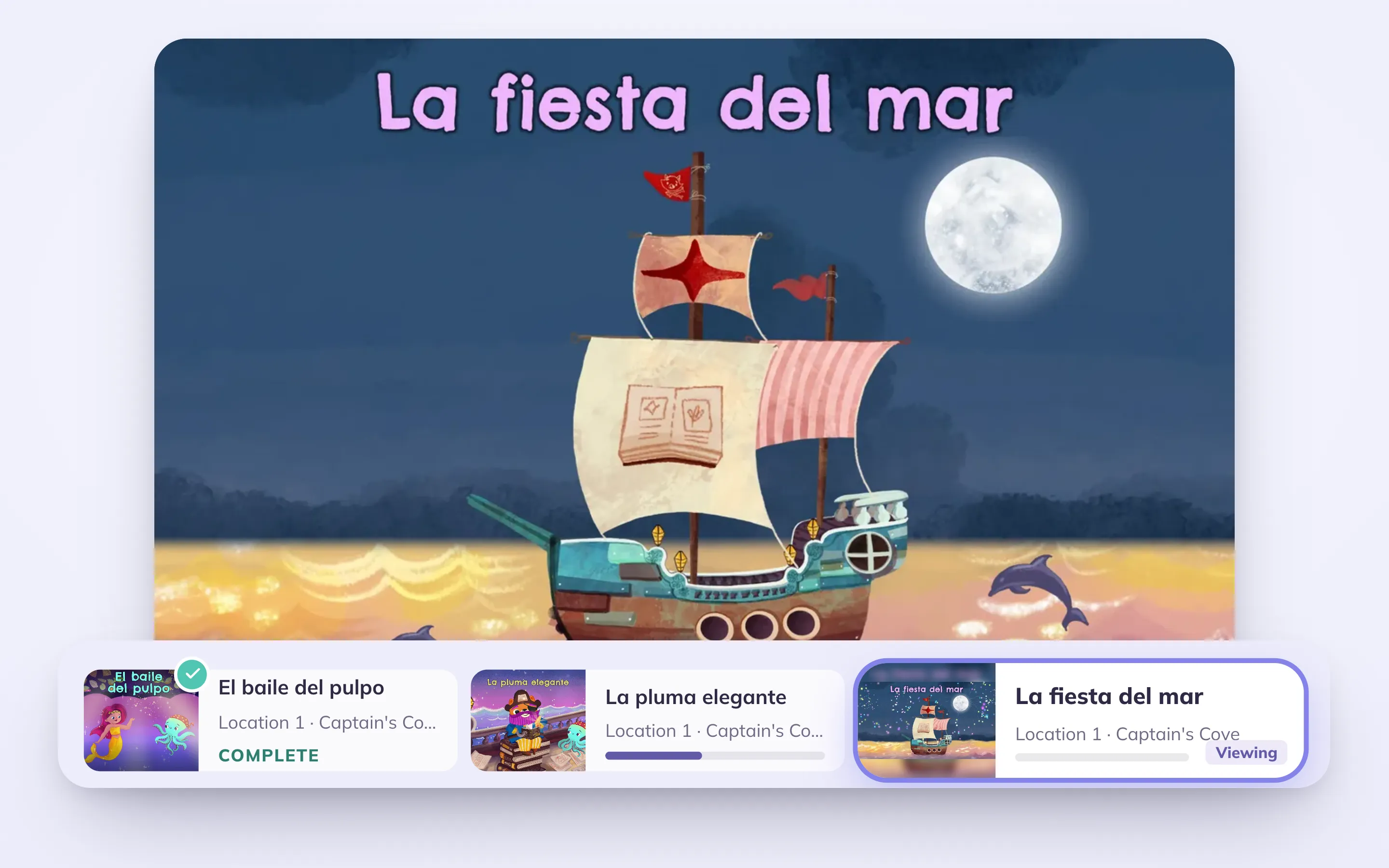
Teachers can now see every story a class can open, by where it sits.
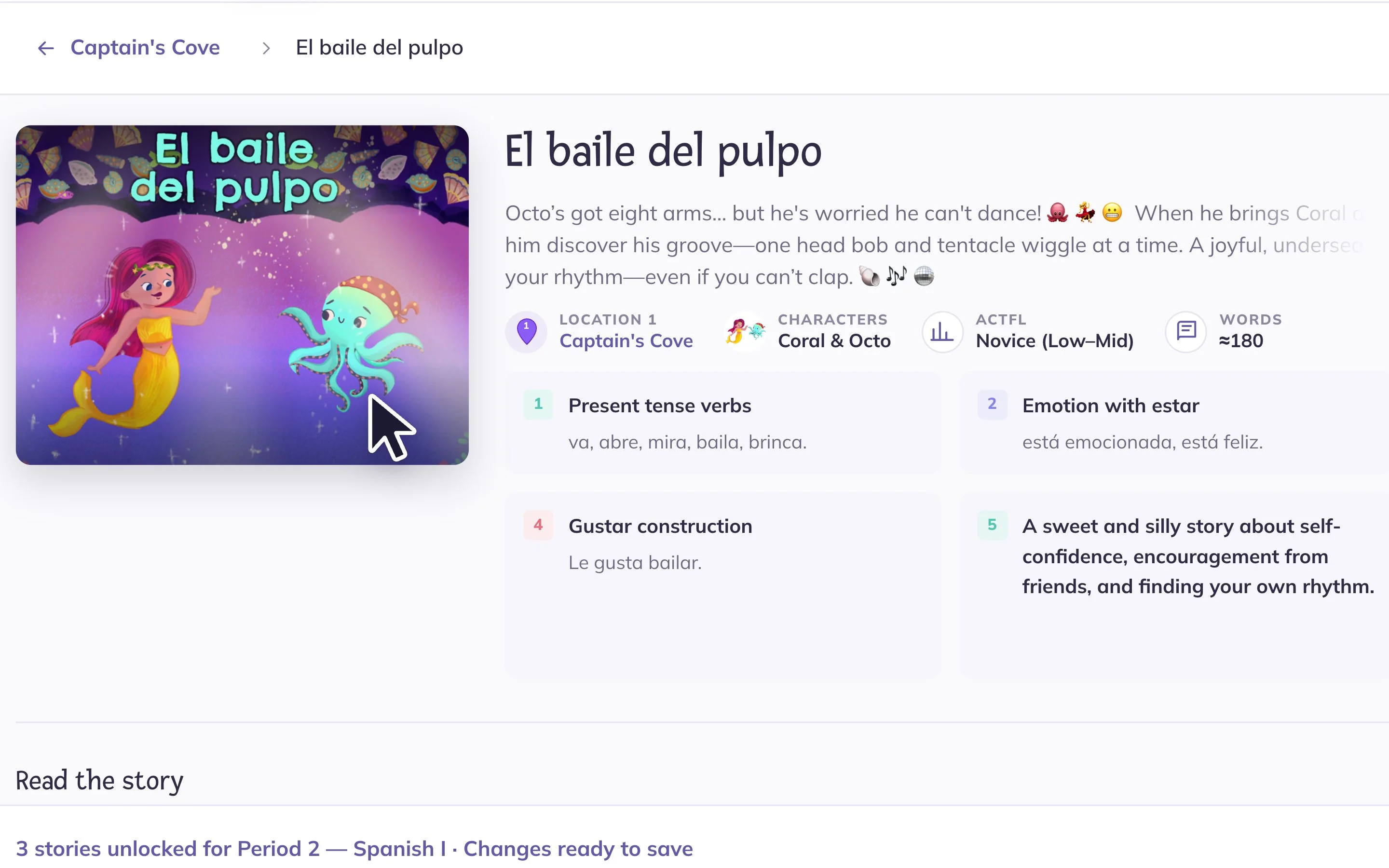
The story library was a strength teachers could not find. Now they browse it by location in the game, look into any story, and open it to the class with one switch.
- KR2Her students get in and play
- KR1A new teacher reaches a class in one or two steps
The logicHer class existed but did not play. One home that shows how the class learns, who is where and which stories it can open gets her students playing.
Give every class one homeKR2
- One class home for Teacher-led and Student-led
- A story tray: open stories first, locked ones grey
- The class’s way of learning shown on its badge
- Classes open even when some students fail to loadAbout 6 in 100 would not; now a count and Retry
Show her the class playingKR2
- A desk per learner, with steps done out of eight
- Each learner’s path drawn as the game draws it
- Who is where: each student at their furthest story
- Class activity, newest first
Make the stories findableKR1
- Stories browsed by location, searchable as she types
- Story details: a clip, picture words, both languages
- New classes start with the tutorial and a free story
- Tapping a grey story shows where to open it
Get her students inKR2
- Each student shows Not invited, Invited or Joined
- One roster toolbar: select, move, invite, search
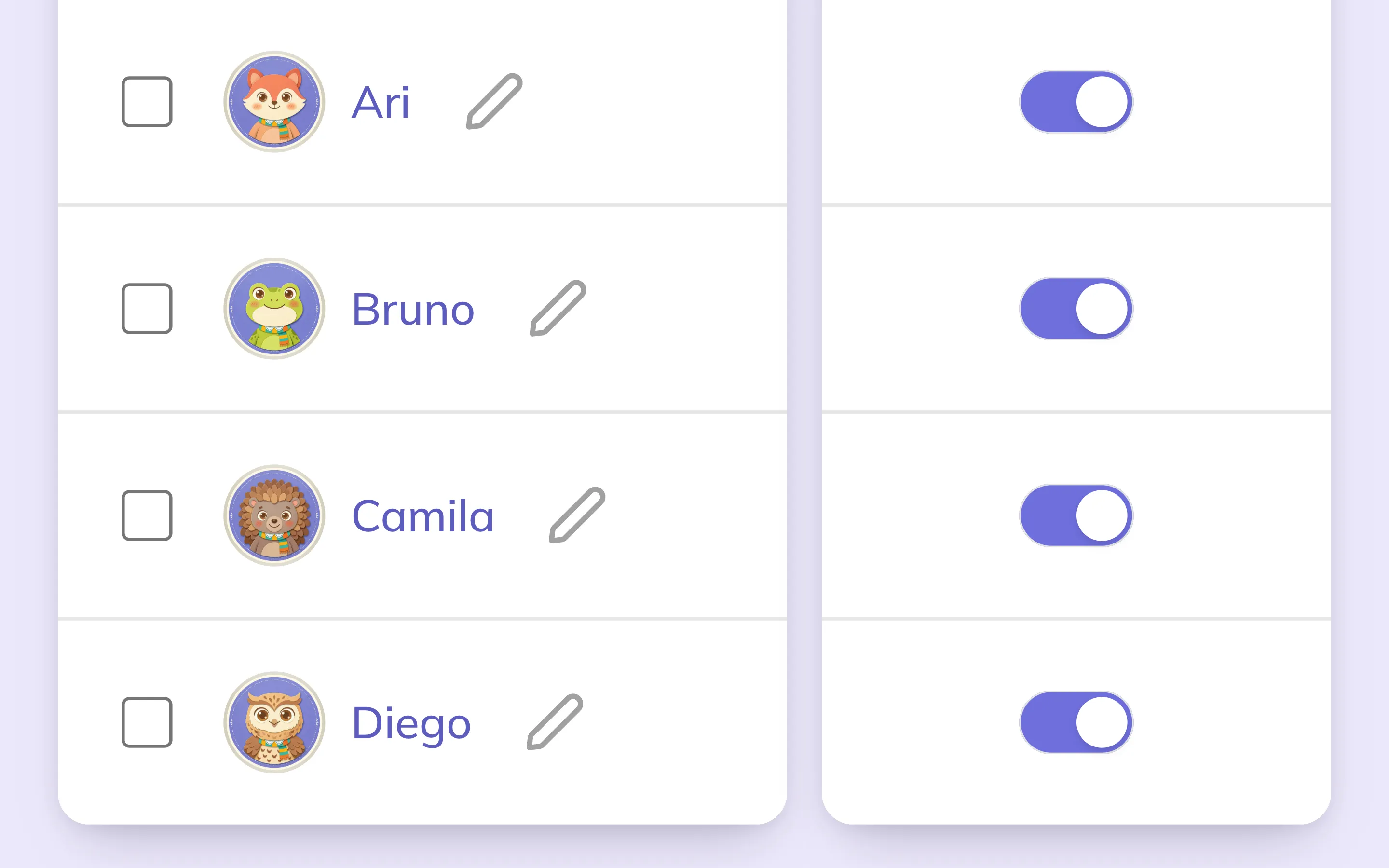
- One switch per student for Teacher-led or Student-led
Release 05.1
The trial now shows the days left, and the class stays whole after.
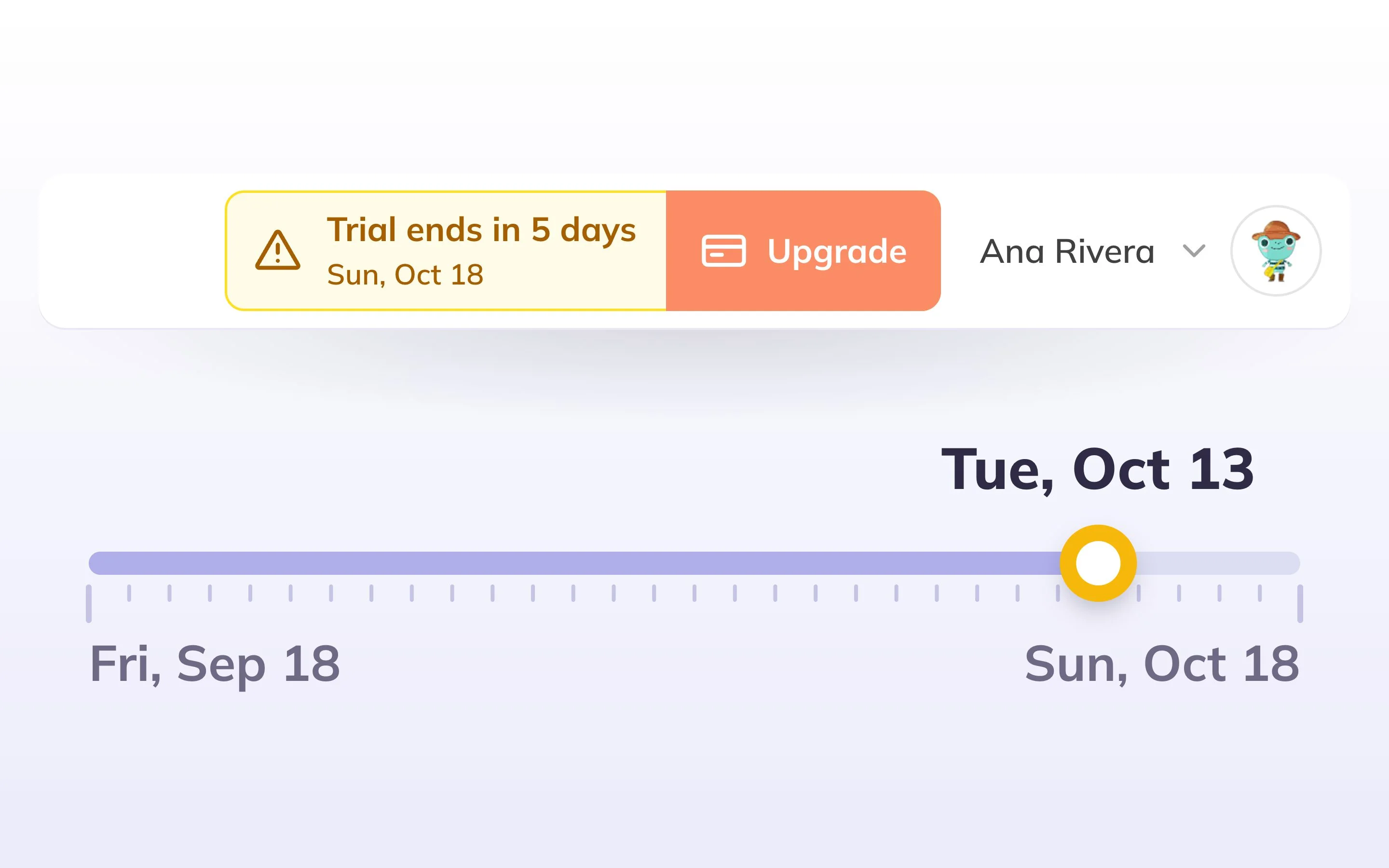
A small, process-focused release. The 30-day trial had started on its own since Release 01; now the header counts down its days on every page, and when it ends every student keeps their progress on Free. Asking her to convert at the end was planned, and did not ship in the app.
- KR3The trial turns into paid or funded use
- KR2Her students get in and play
The logicThe first 30-day trials began ending on 18 October. The release made the trial’s state plain on every page and kept the class whole on Free; it did not ask her to convert.
Say the trial has startedKR3
- A day-one welcome: the trial is on, everything openThe trial itself has started on its own since Release 01
- No Start Free Trial offer once hers is used
Always show the time leftKR3
- Days left and the end day in the header, every page
- Amber for the last seven days
- Coral once it ends: You’re on Free
Keep the class whole on FreeKR2
- Every student keeps their progress
- Stories and Student-led lock; nothing stored changes
- Two more weeks, once, from the plans
Release 05.2
Teachers can now keep FabuLingua after the trial without paying for it themselves.
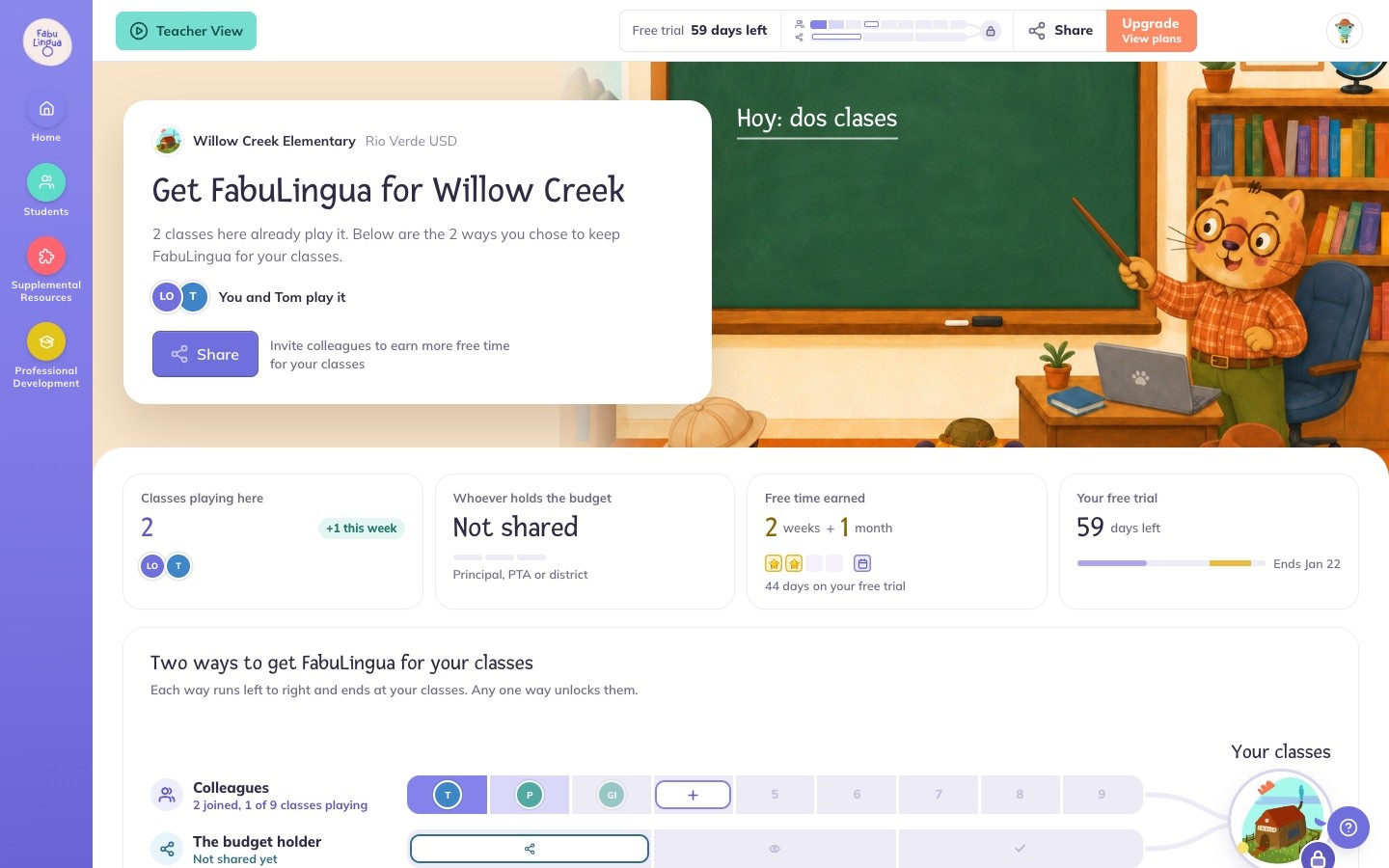
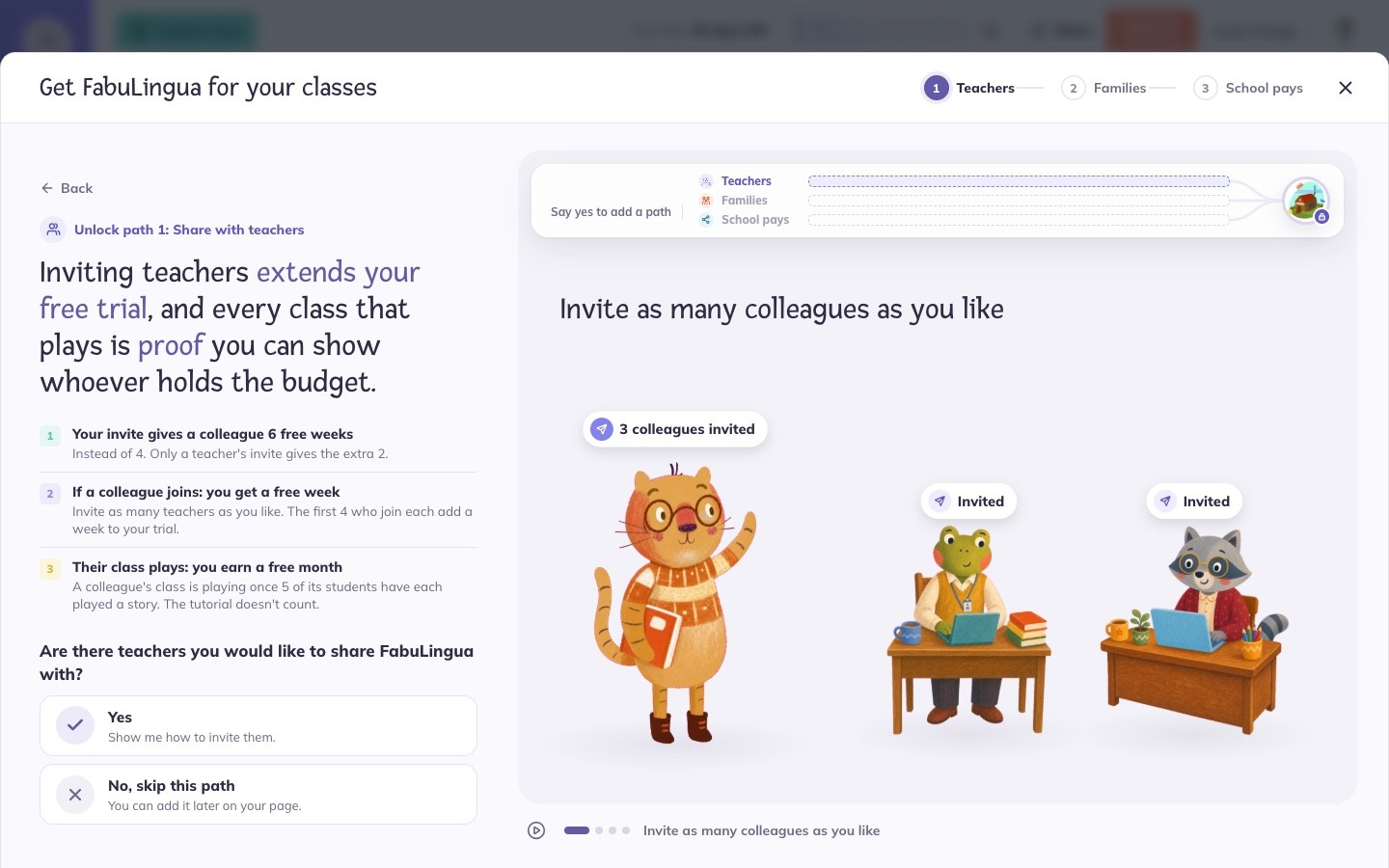
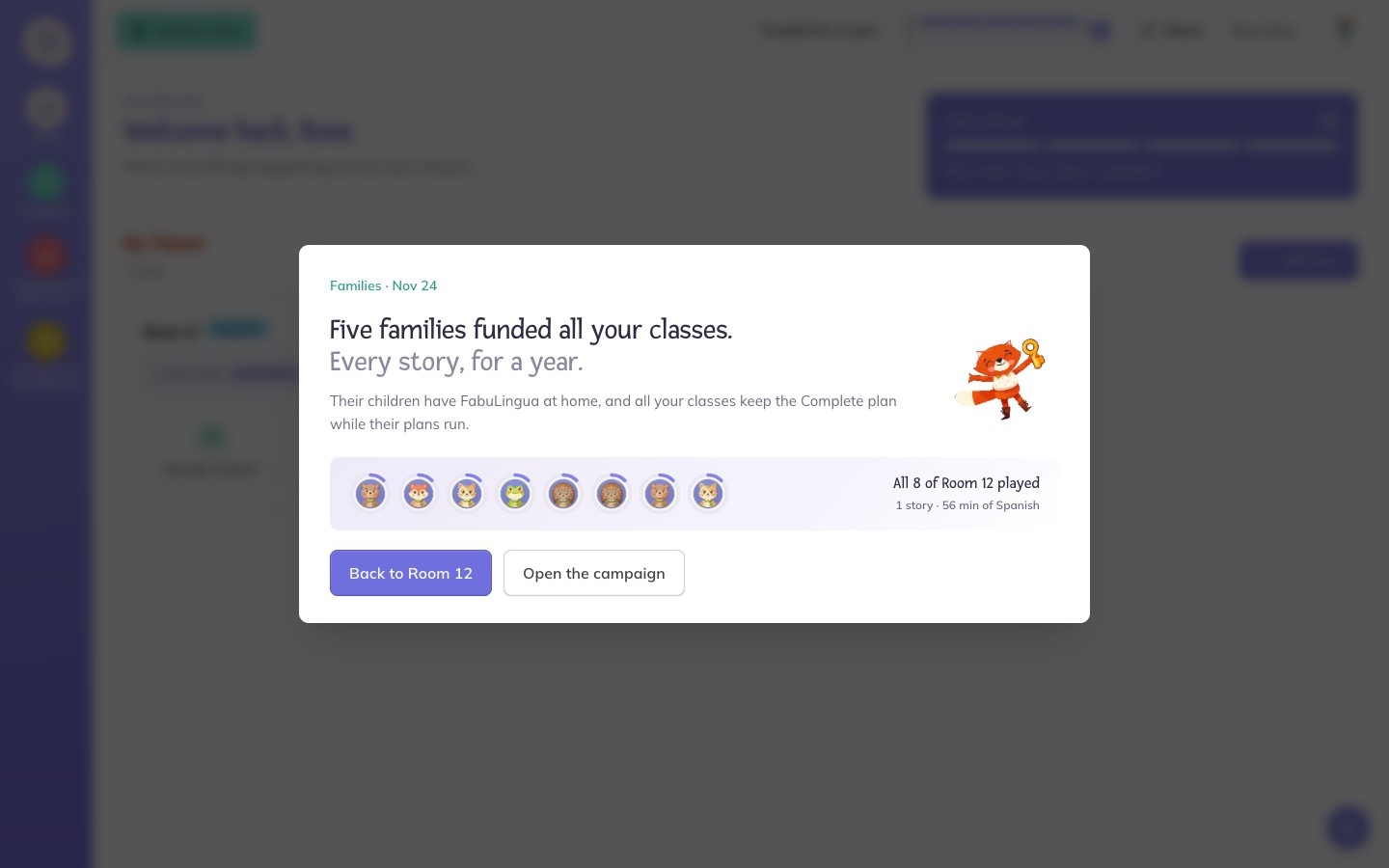
Most teachers are not the one who holds the budget. Release 05.2 puts Upgrade beside Share on every page and gives her three ways to get her classes funded: colleagues who join earn her time, five families can fund every class, or her school can pay. It is built and tested, and goes live by 30 November.
- KR3The trial turns into paid or funded use
- KR2Her students get in and play
The logicRelease 05.1 ended the trial without an ask, and most teachers are not the one who holds the budget. 05.2 puts a way to buy on every page and three ways to get her classes funded, two of which bring more classes that play.
Make buying one click, even mid-trialKR3
- Upgrade beside Share on every page
- The plans open mid-trial, with her end date
She is rarely the budget holderKR3
- Three questions, one for each way to fund
- Her page: get FabuLingua for her school
- Her header shows each way filling in
Colleagues whose classes playKR2
- Invite colleagues by name and school email
- A colleague gets six free weeks, not four
- A week per colleague who joins, a month per class that plays
Families or her school can payKR3
- Five families joining fund every class for a year
- A send-home kit, in her own words
- A page for whoever holds the budget
The result
More than twice as many new teachers got a class playing.
From 6.7% in May on the old dashboard to 16.2% from 17 August to 18 October on the new one, with more teachers making a class and rostering students at every step, week after week. The two count different steps in different seasons, so read it as the direction.
How it was counted
May: 227 of 3,368 teachers opened the student-access instructions, the furthest the old dashboard could measure. 17 August to 18 October: 42 of 259 new teachers saved student activity, measured with PostHog. An earlier step can only flatter the before.
Every step a new teacher takes, May on the old dashboard against 17 August to 18 October on the new one
May, old dashboard17 August to 18 October, new dashboard
Each week's new teachers since the new dashboard went live, against May
Students rostered9 of 9 weeks above May
17 Augweekly sign-ups12 Oct
A class playing8 of 9 weeks above May
17 Augweekly sign-ups12 Oct
- children playing, in 42 classrooms
- 179Saved activity on 19 October; the largest class has 32 playing
- Direct teachers with students rostered
- 27% → 65%May, against the month after Release 01 (35 of 54)
- Direct teachers with a class within a day
- 9 of 16 → 17 of 19The week before Release 01, against the week it shipped
